Case study
Tinybee Toys
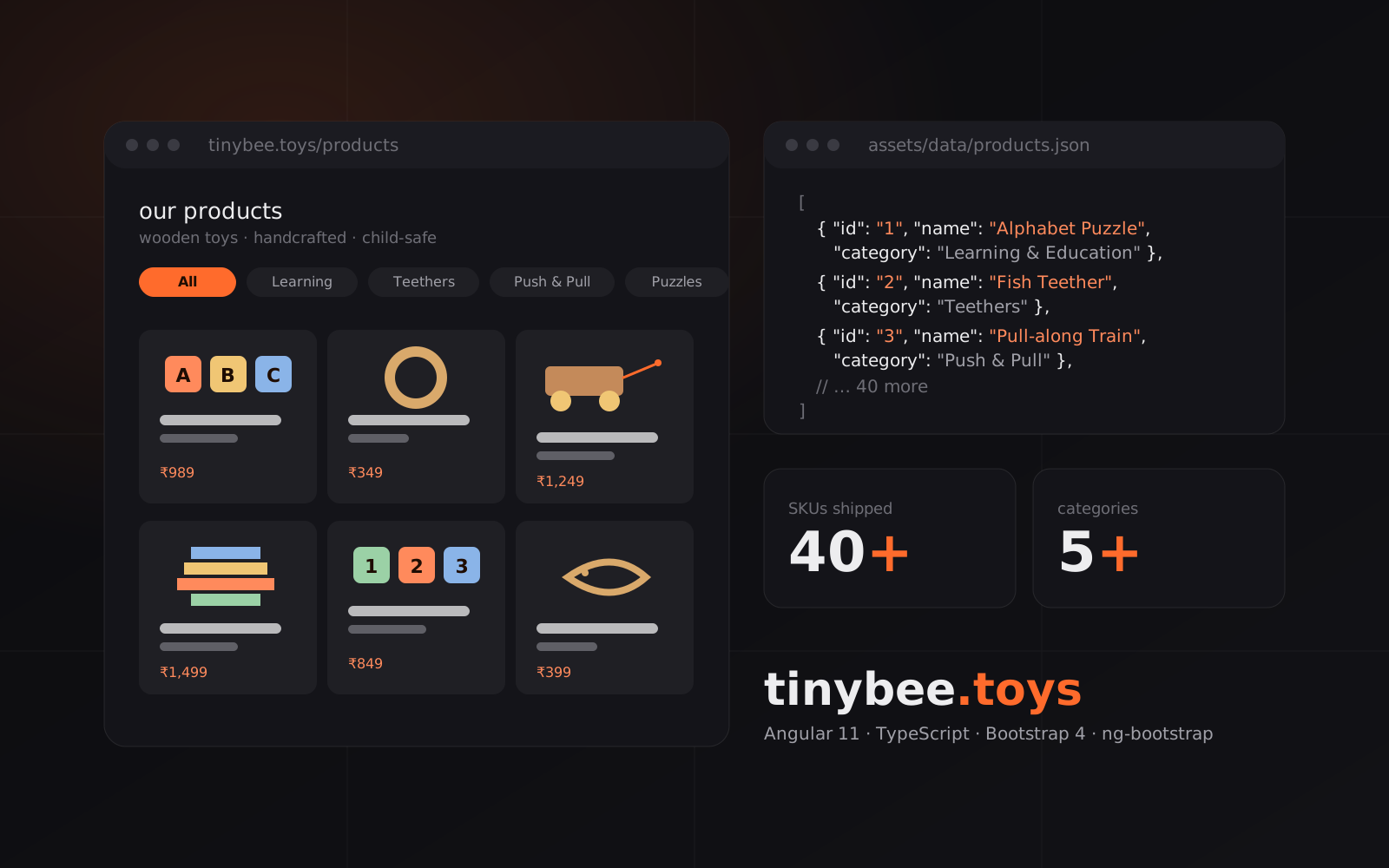
A wooden-toy brand catalog site — 40+ SKUs across 5+ categories, browsable by filter with per-product galleries and a contact form, built solo as an Angular SPA.
- Role
- Front-end developer
- Contract
- 2 Months
- Mode
- Solo
- Headline result
- 40+ SKUs single-page catalog
Context
Tinybee is a wooden-toy brand for kids — alphabet puzzles, pull-along animals, 3D puzzles, teethers. They needed a marketing and catalog site to sit at tinybee.toys, ahead of a longer-term e-commerce build. I designed and built it end-to-end.
The problem
The brand had product photography, copy and a category structure but no web presence. The site had to present the catalog cleanly, let visitors filter by category, drill into each product's gallery and specs, and route enquiries to the founders — with no CMS budget and no backend to run.
Architecture & solution
Single-page Angular 11 app with the product catalog bundled as a versioned JSON file the components read directly. Product list, product detail and related-products are all derived from that file client-side; the contact form posts through SmtpJS to a Gmail relay so the whole site can be served as static assets. Bootstrap 4 and ng-bootstrap for layout, Owl / Slick / Isotope for the marketing carousels, PhotoViewer for the product-image lightbox.
Key decisions & tradeoffs
Ship the catalog as static JSON rather than stand up a CMS — 40+ SKUs updated occasionally didn't justify the operational cost, and a JSON file is a one-line edit for the founders. Angular over React because client is more confident on Angular. Client-side SMTP for contact rather than a serverless function, to keep hosting to a single static bucket.
Results
Shipped as the brand's public site at tinybee.toys, covering the full catalog, product detail, about and blog surfaces. Site is currently offline; the codebase is the archived artifact of that build.
Learnings
Bundling credentials into a client-side SMTP call is convenient until it isn't — a serverless mail relay would be the right call today. Bundling the catalog as JSON aged well for a small, slow-moving SKU list, but the moment you want inventory or pricing, the CMS-shaped hole shows up fast. Angular's opinionatedness was a real accelerator for a solo build at this scale.
Screens
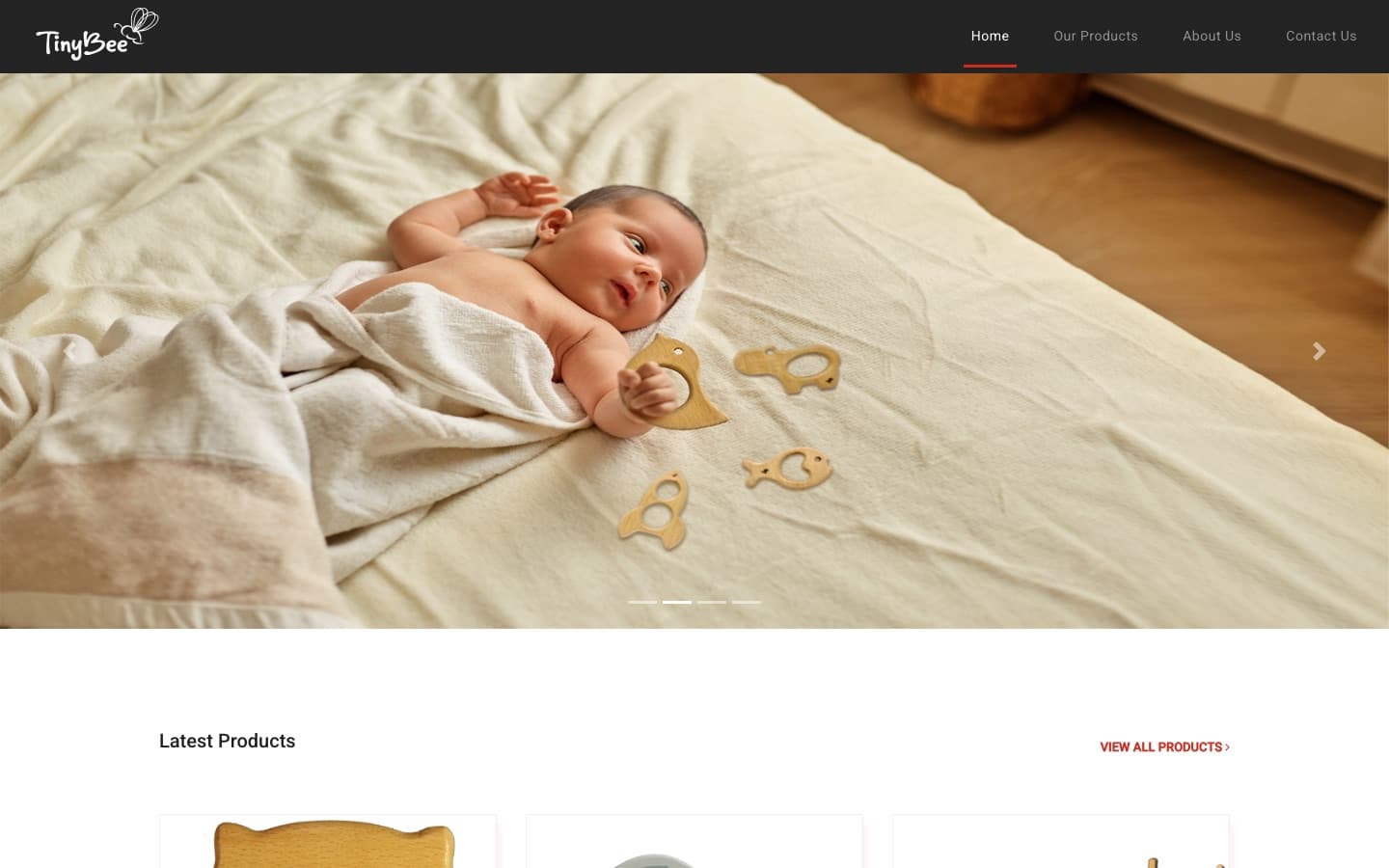
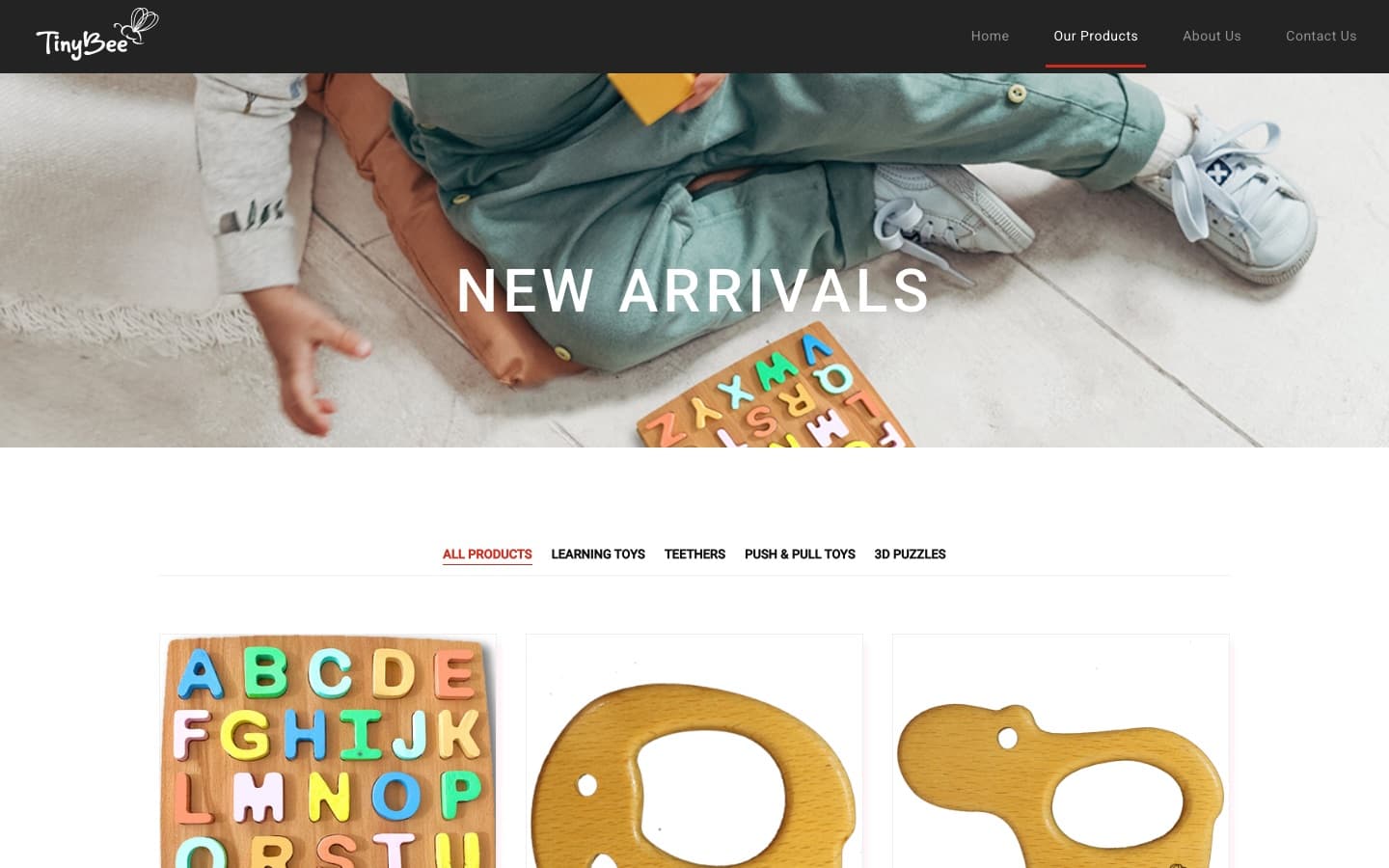
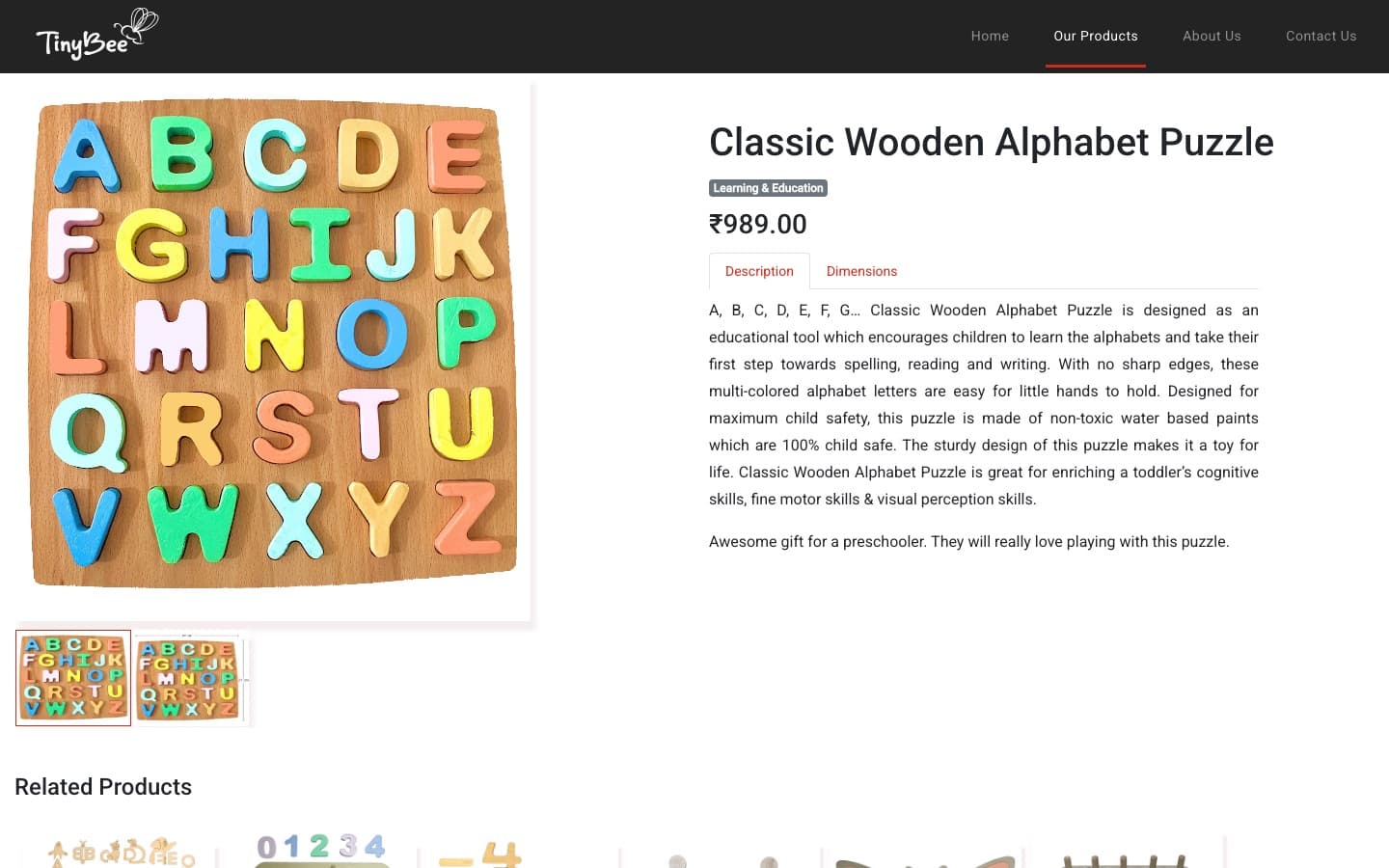
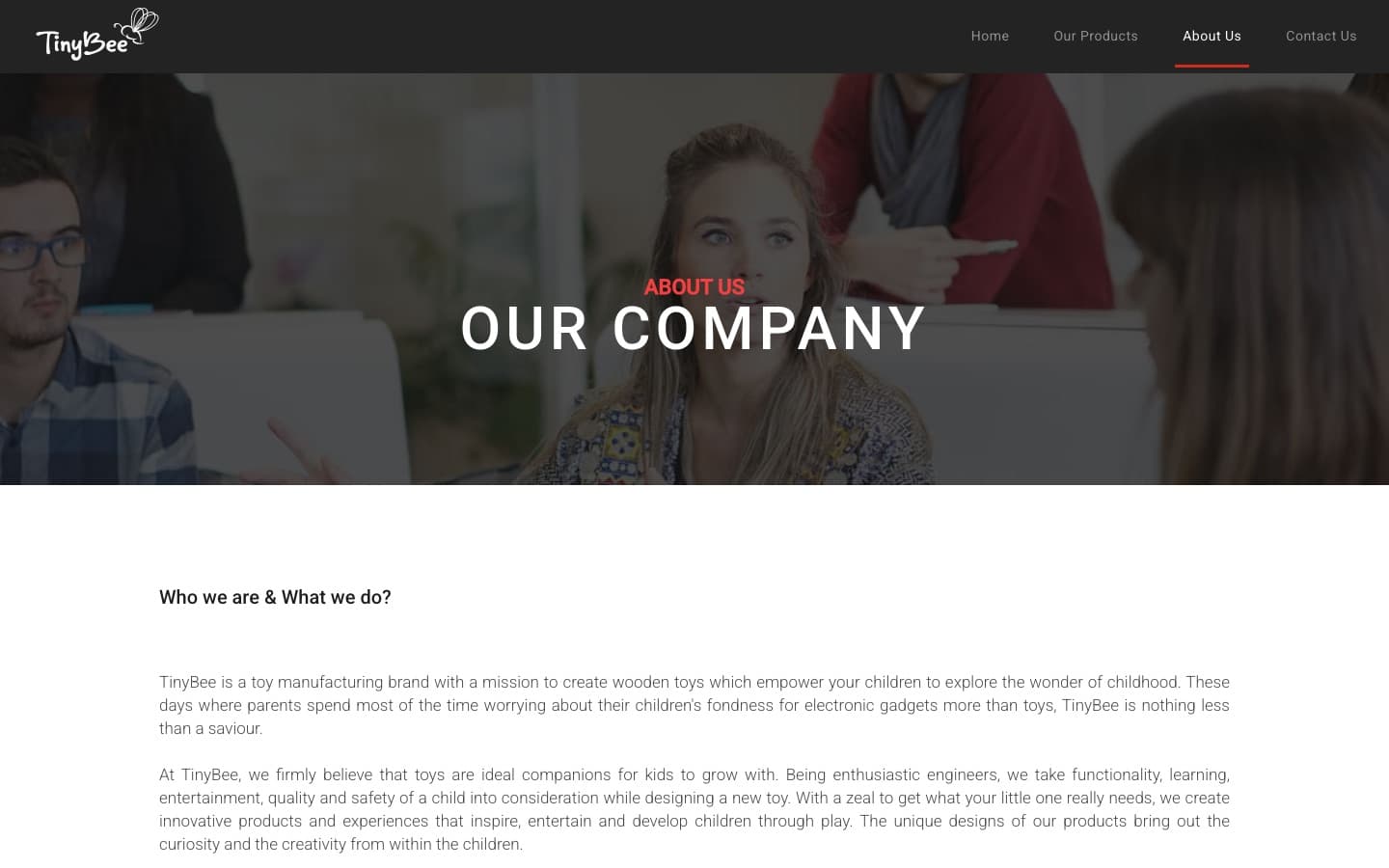
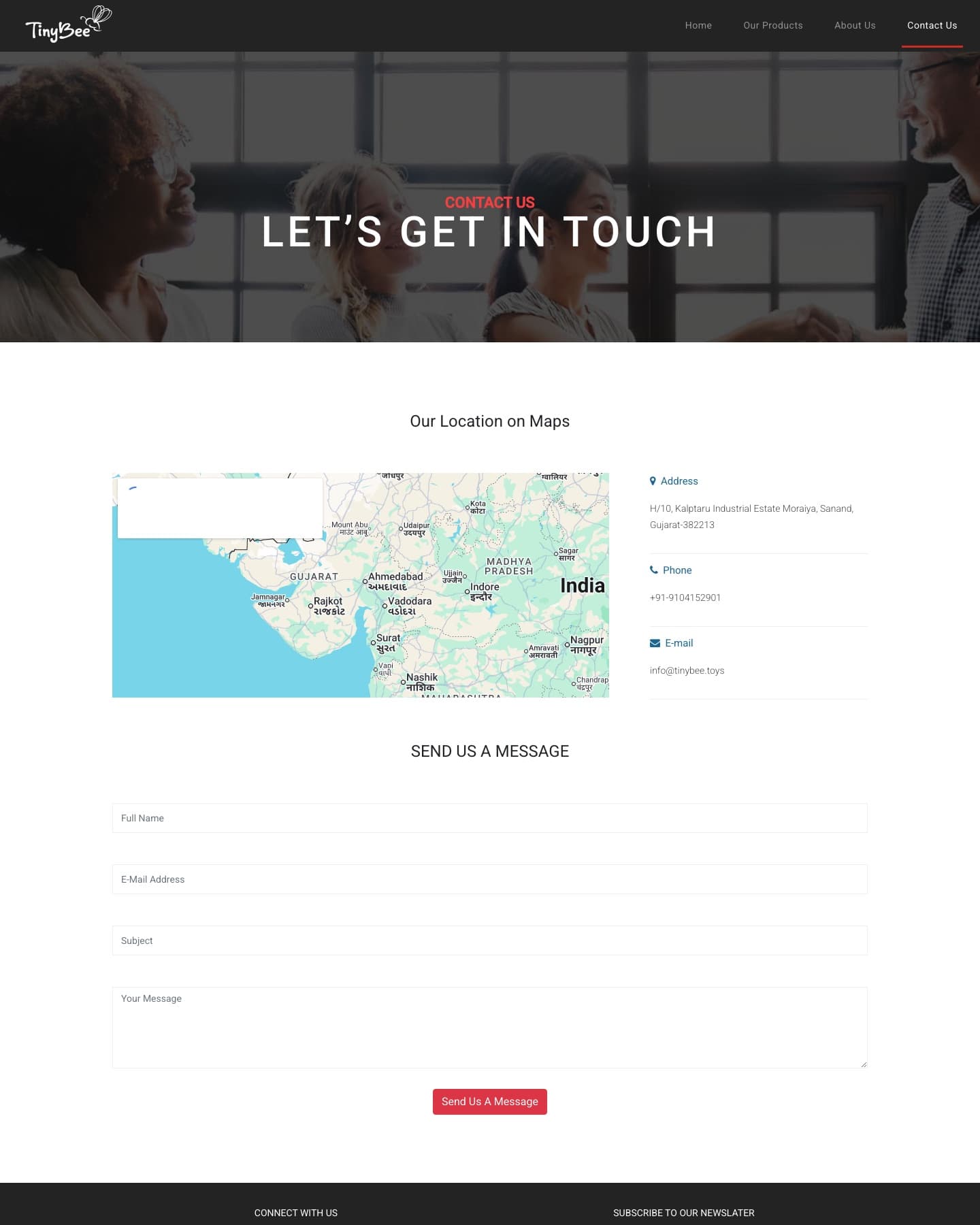
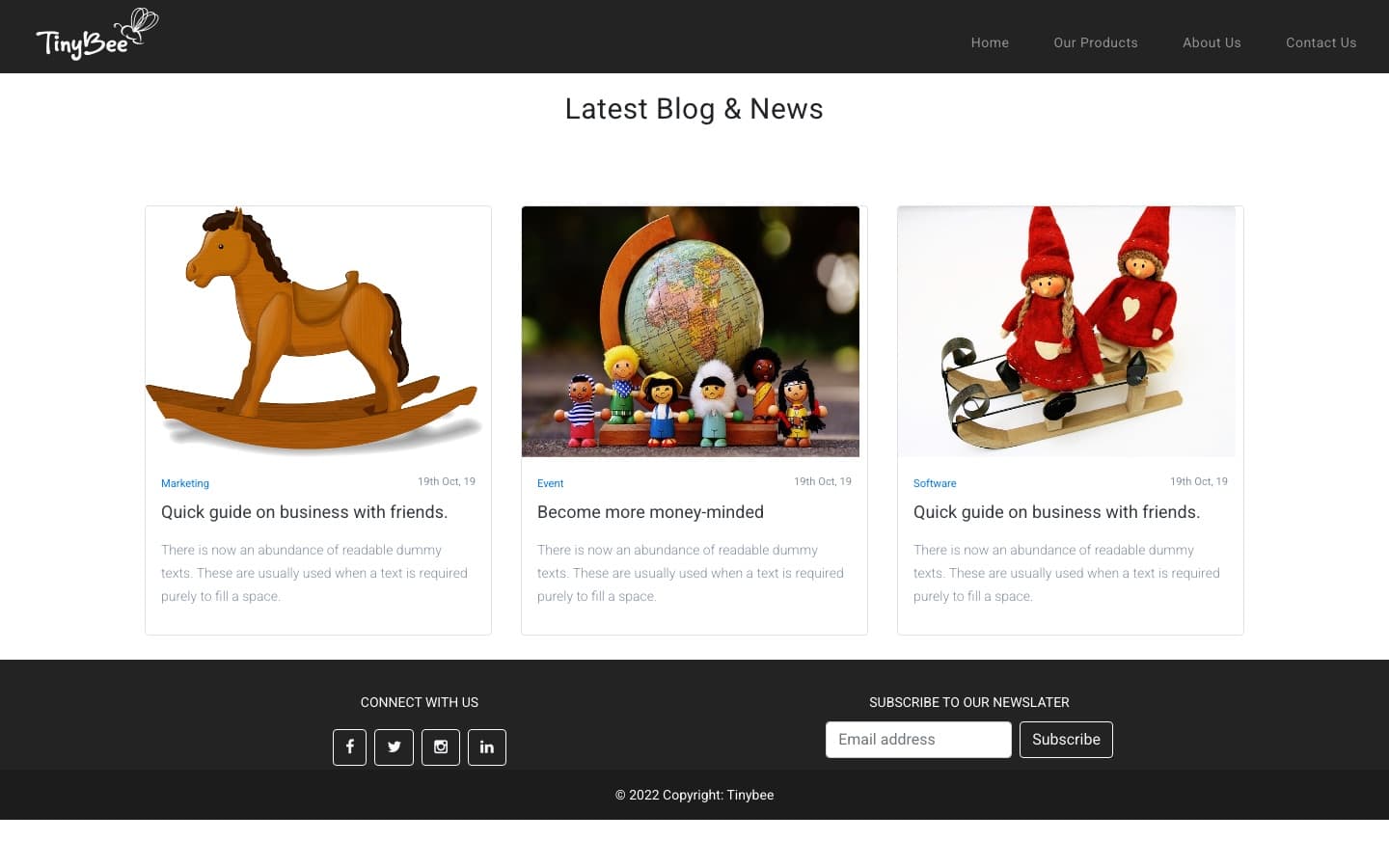
Tinybee home page — dark header with the TinyBee wordmark and primary nav, above a full-bleed hero carousel of a toddler playing with wooden toys, with a Latest Products grid below
// contact
Building something like this?
If this maps to what you're planning, I can walk you through how I'd approach yours.